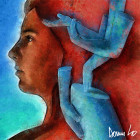
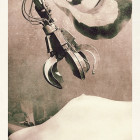
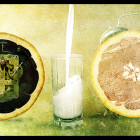
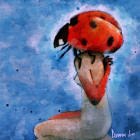
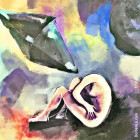
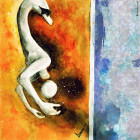
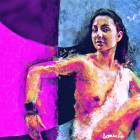
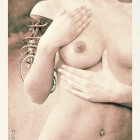
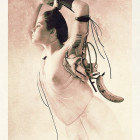
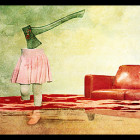
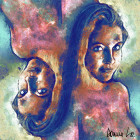
Hello and welcome to the third part of the fashion retouching series! In case you missed the first two parts here are the links to artificial make-up & fashion retouching – skin & body tutorials. In this tutorial I will showyou an old technique done in...
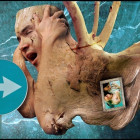
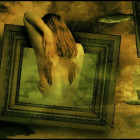
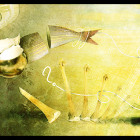
Hello everyone. I’ve used a lot of these tutorials, so I thought it was only fair to contribute to them myself. First tutorial, but I will give it my best. Stocks Used (Eye – Kitty from DeviantArt, Textures – SXC: 1. Layer the stocks 3 at the bottom, 1 at...
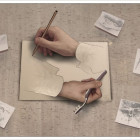
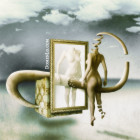
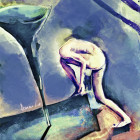
For this tutorial you won’t need any real canvas or paint. You won’t need a real brush or some naked dude posing for you. All you need is a computer and some basic knowledge of Photoshop. (I’ll be using Photoshop CS) 1. Oky doky. Class, please be seated. Lets begin....
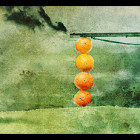
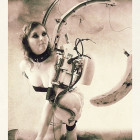
How to turn a colour photograph into a sepia toned/antique image without loosing depth or definition. Hello Everyone! I found this method a few days ago – How to convert colour images to sepia *without* loosing depth, as most sepia conversions cause. While other...
How to tell with a quick look at a histogram display whether an image is correctly exposed and contrasting. Hello and welcome to this tutorial. I will be outlining some of the information you can read straight off a histogram with very little understanding of what it...
How to make your images more polarised, without the need of expensive filters. Hello and welcome to this tutorial. With only a few steps, you can greatly enhance the look of your images, simulating the use of a polarising filter. Lets begin. Stock : 1. Duplicate the...