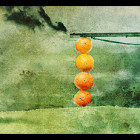
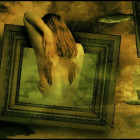
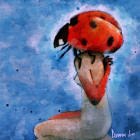
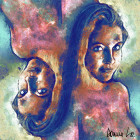
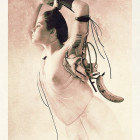
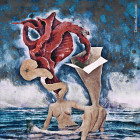
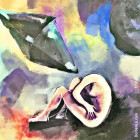
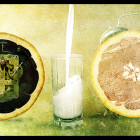
I will show you how to make your photos have more depth, and emotion with just one edit. This is called the S-Curve, because in the curves you create the letter S.

First you need to open up the curves window. For this go to Image>Adjustments>Curves. You can also make a new adjustment layer if you want to have a non-destructive effect.

When you have that open you will have a diagonal line. Click near the top right, and it will make a new point in the line. Now just move it up slightly, and do the same for the bottom left but move it down. Now it will create the shape of an S.
g00gleSquar3

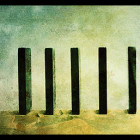
Now with a nice background, you have a great cinematic photo.

Enjoy!