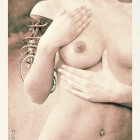
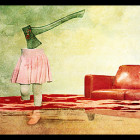
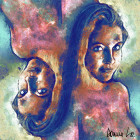
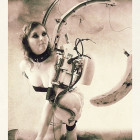
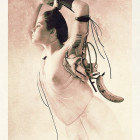
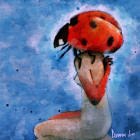
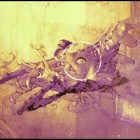
In this lesson you can study how to stylize your photos and pictures as hand-made original engraving. For this tutorial we need a special plug-in filter Engraver (this filter works with Adobe Photoshop, Adobe Photoshop Elements, Picture Publisher, Image Ready, Painter, Photo Impact, PaintShopPro, Coral PhotoPaint and some others). The latest trial version of this filter you can download from here.


Preparation steps
1.1 Open initial picture.
1.2 In Layer menu click the item Duplicate Layer. Photoshop will make a copy of initial layer with 4bits deep. Next we will cut this image by alpha channel.
1.3 Create new black layer under previous layer. This layer will be seen under cutting pattern. Now Layers window looks like this picture:

Image engraving.
Now you need to have a special plug-in filter Engraver. You can download the trial version of Engraver from www.alphaplugins.com. After installation of this module you can see the Engraver item in menu Filter/Panopticum. When you click this then you can see follow dialog window.

Set the parameters as follows:
Space: 15 – decreases spaces between curves.
Width: 120 – makes patterns more saturated.
Retouching: 400 – allows retouch for picture and make it more impressive.
Add Relief: 250 – inserts in your picture an additional random distortions like it was made by hands.
Amplitude: 200 – sets amplitude for curves.
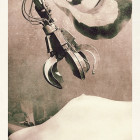
Apply this filter on your layer. You should see a picture like as:


Improving of your picture.
Now if you want to make your picture more realistic and looking as a natural engraving then you should use several layers.
3.1 Select the background layer and in menu Layers select the item Duplicate layer:
3.2 Drag this layer on top in layer window. Now your layer window looks like this.
3.3 Now apply the Engraver filter again and change one value
Rotation: 330 – rotates curves pattern
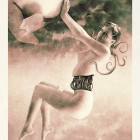
Apply Engraver and now your picture should looks like:

Now if you want then you can change background color for stylize your picture as old-style art engraving.
Create colored engraving
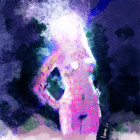
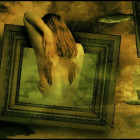
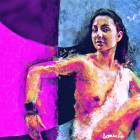
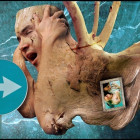
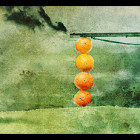
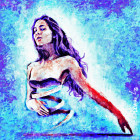
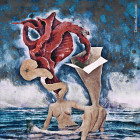
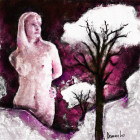
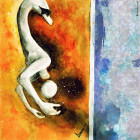
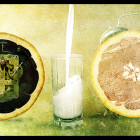
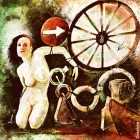
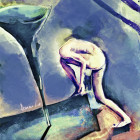
You can create not only Black&White picture but also Engraver allows make colored engraving. For this you should play with option Color schema. Little practice and you could create very interesting and original colored pictures like these: